
Use Runtime records in a Control
Use saved AI action records to check whether a Control worked during a review period.
Suppose your organisation has a Control that stops an AI application from paying an invoice outside its permitted account. Runtime records can help the Control owner check whether those requests were denied before execution.
The records need a question and a review period. One successful request cannot answer whether the Control worked throughout a month, and an empty history cannot show that it was exercised at all.
This guide shows how to add an AI actions Test to a Control. The Test selects the actions to inspect and the outcome they must have. You then review the matching records and save the result.
Start from the mapped Control
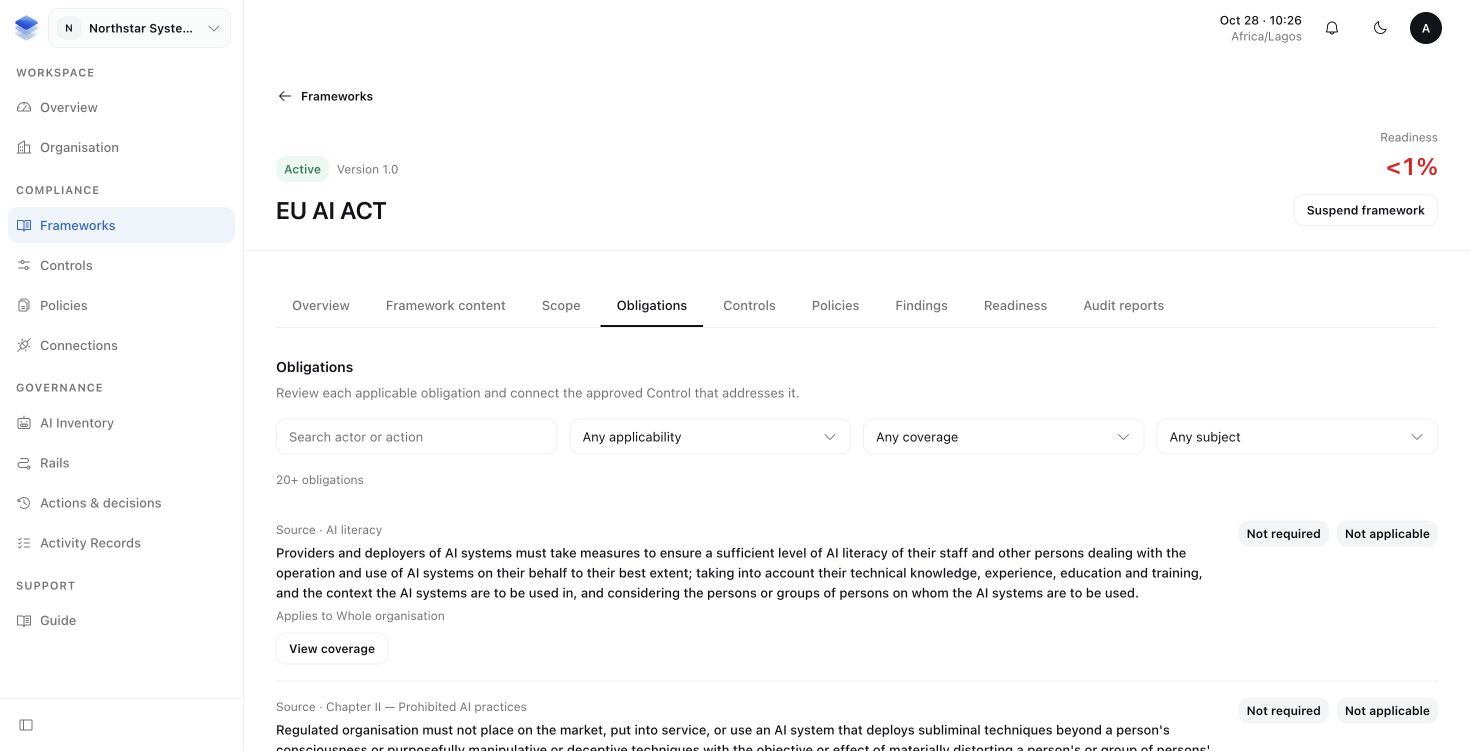
In a Framework, an Obligation describes something your organisation must address. A Control describes the measure it uses to address it. A mapping connects that Control to the Obligation.
- Open Frameworks and the activated Framework Version you are reviewing.
- Under Obligations, find the applicable Obligation and its mapped Control.
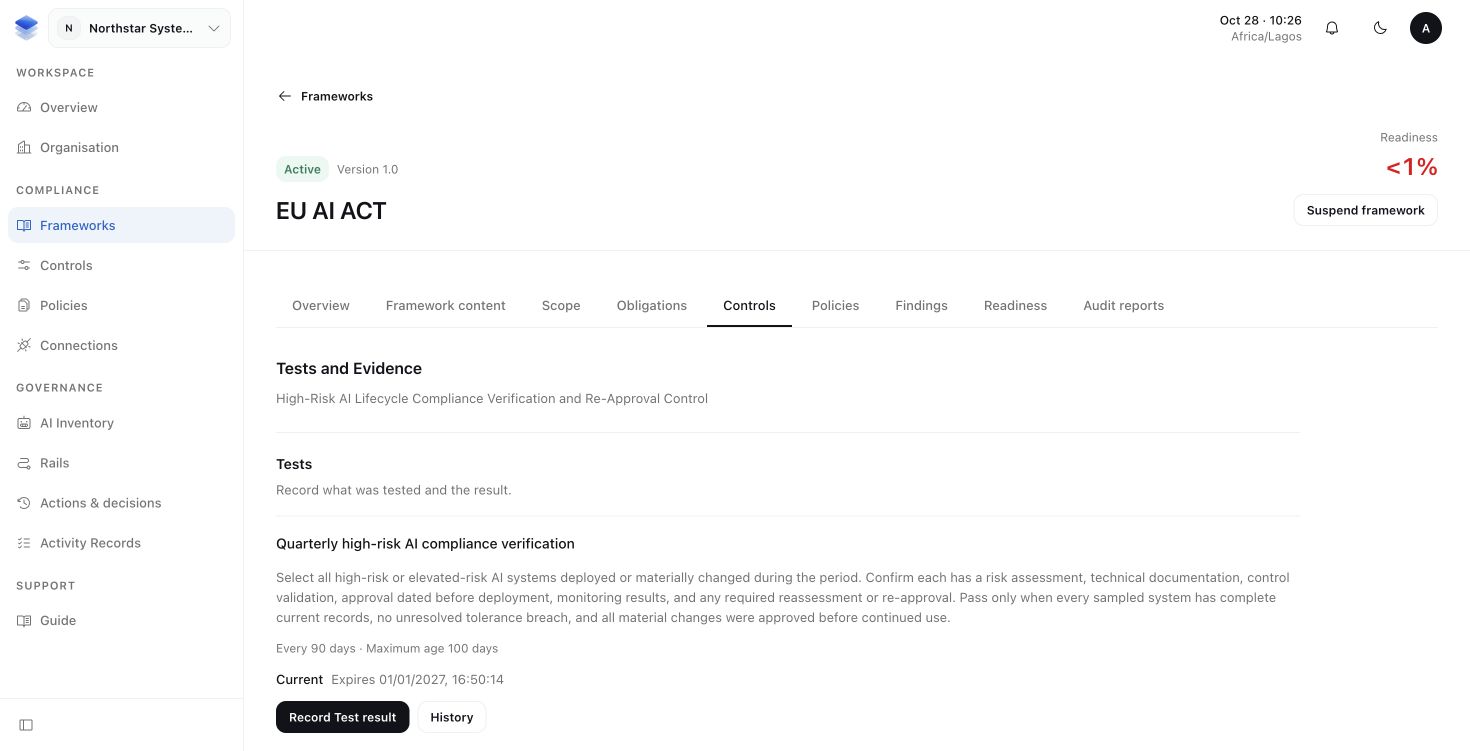
- Open that Control's Tests and Evidence area.
If the mapping has not been reviewed, complete that work first using Frameworks and scope and Policies and Controls. Reuse the organisation's Control where it addresses multiple Frameworks.
Define what the AI actions Test should check
Select Add test, then choose AI actions. Work through the form:
- Select the AI system whose records should be reviewed.
- Select its Enforce deployment—the configured installation that protects the operation.
- Choose the Action to check.
- Choose Required outcome. For the out-of-account payment example, use Denied before execution. Use Completed execution for a Test whose expectation is a reported completed operation.
- Set Minimum Actions, the number of matching records needed for the check. This prevents an empty or insufficient set from satisfying the Test.
- Select Continue to open Passing criteria. Name the Test and describe what must be true for it to pass.
- Continue to Schedule and choose how often to check it. The freshness setting controls how long a saved result remains usable. Select Add Test, then complete the Control's authorised review flow.
Expected result: an approved Test states which records will be checked and what they need to demonstrate. Observe records show advisory decisions; they cannot establish that an operation was stopped by Enforce.
Review and save the result
Once the Test is approved:
- Select Record Test result and enter the completed Review period.
- Inspect Retained Runtime Actions. These are the matching action records AuthRail has saved for that period. Open them to review the decisions and execution reports.
- Record what you reviewed and choose the result.
- Select Save Test result, or the combined Evidence submission action when the Test requires it. Open History to inspect the saved result.
AuthRail checks the records against the Test's configured expectation. Selecting a passing label cannot replace those checks. Missing records, unknown outcomes and reporting gaps need to remain visible. Resolve the gap or record the appropriate result; an error is not a pass.
If the Control requires proof of human approval, inspect the approval and its relationship to the execution. An Allowed label alone does not establish that a reviewer approved the request. A Completed execution result describes the application's reported completion; inspect the provider when independent verification is needed.
Return to Framework readiness
Open the Framework's Readiness or overview. Follow an affected Obligation to its Test or Evidence to understand what still needs work.
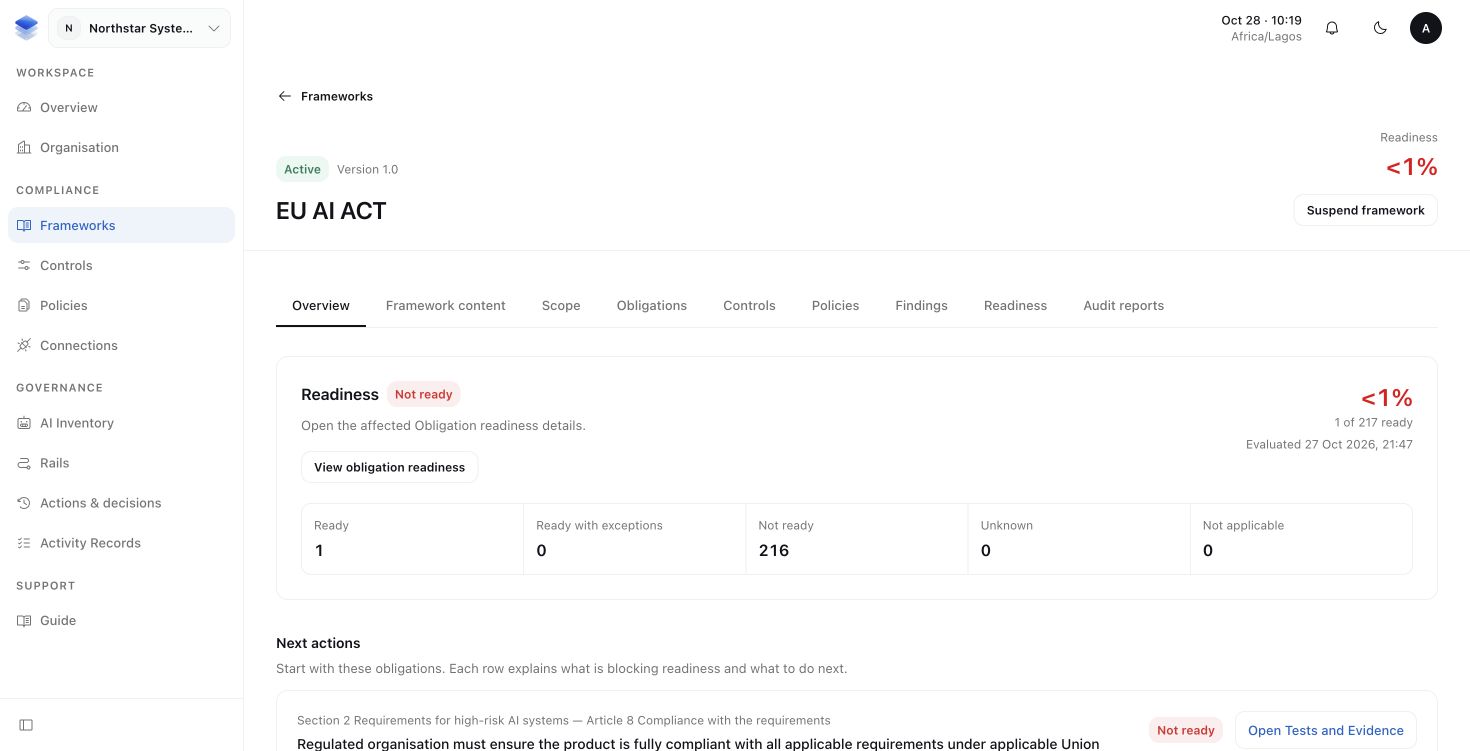
Expected result: the saved Test result can support readiness when it meets the expectations of the accepted Control mapping. Readiness is calculated from that reviewed work. It cannot be set by attaching an Action link or editing a score, and it is not legal certification.
More about evidence, findings and readiness
A Control can require additional Evidence, such as a reviewed document or provider record. Collect and review it through that Control's Evidence flow, keeping its source, exact version, period and acceptance outcome. Manual proof is supported. An automatic Observation or AI summary does not create a passing Test by itself.
Only qualifying proof for the accepted mapping contributes to the Obligation. An overall Control Health rollup cannot replace what that particular mapping requires. Expired results are no longer fresh, and insufficient qualifying records do not establish that the Control worked.
A Finding records a gap. A Task organises the work to fix it. An Exception is a narrow, time-limited accepted deviation. Finishing a Task or approving an Exception does not rewrite the original Finding. See readiness and remediation to continue that work.